Start with a Dub Pack.
A Dub Pack brings a scene and its dialogue together. Choose a short clip with a small cast, and check that the pack works with your game version.
FREE DUBBING STUDIO · NOTHING UPLOADED
Pick a scene, record each line, retake the ones you fluff, then keep the finished video. No account, no watermark, nothing uploaded.
Pick a scene, record each line in your own voice, then watch the finished dub and keep the file.
The Late Arrival · 0/2 lines recorded
You are two hours late.
I brought pastries. We are even.
Scenes use free stock footage; the scripts, titles and timings are written here.
Any video on your device, or a direct video link that allows browser downloads.
No account. Up to 30 seconds per take. Your video and microphone recording stay in this browser tab and are never uploaded. Download your dub to keep it after you leave or refresh. Files up to 50 MB; a free take runs up to 20 seconds.
HOW THE CHOICER VOICER WORKS
One scene. Your own voice. This is the Dub Mode workflow the original game uses.
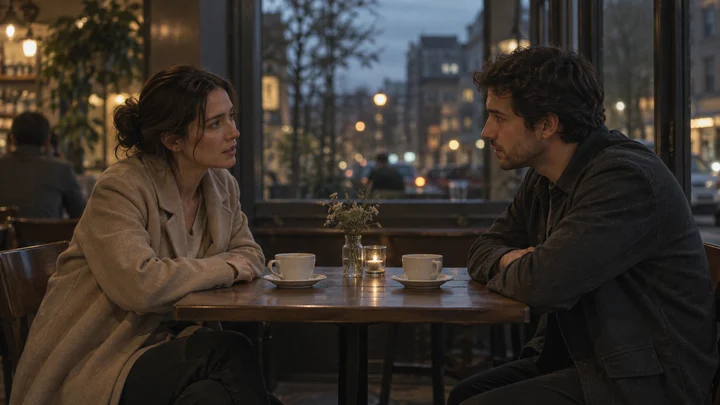 01“You said you would be here.”
Choose a Dub Pack and listen to the line. Notice the character's timing and expression.
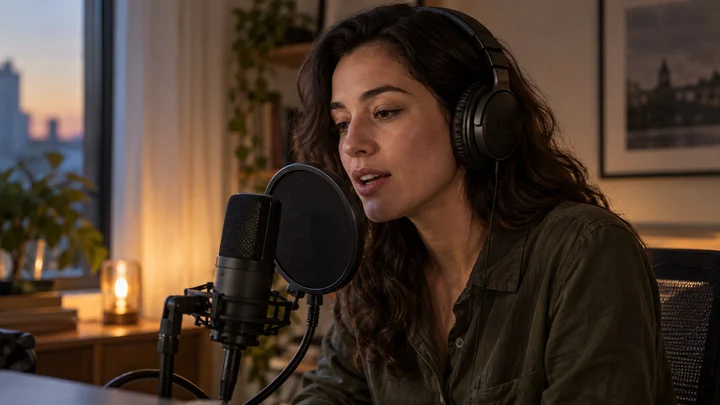 02Record line
Say it into your microphone. Try a dramatic, surprised, or completely deadpan version.
03Finish recording all the lines. Dub Mode then plays your recordings over the pack's video, so you can watch the completed scene.
FIND YOUR WAY TO PLAY
A Dub Pack brings a scene and its dialogue together. Choose a short clip with a small cast, and check that the pack works with your game version.
Listen for pauses and emphasis. In Dub Mode, you can retake lines before finishing, but playback happens after all lines are recorded.
The original game supports local multiplayer for up to four people. Take turns performing the lines and watch the completed dub together.
A FEW USEFUL ANSWERS
The voice games, free online play, downloads, Dub Packs, multiplayer, device support, and microphone basics.
The scene library has 37 short clips with their own scripts: cafés and offices, a night alley, an interrogation room, a hospital ward, two cats on a sofa and a dancing skeleton, among others. Record the lines one at a time, retake any of them, then download the finished dub without a watermark.
Yes. Voice Packs are built from audio clips, and Dub Packs add a video plus timing information. Follow the instructions for your game version and use media you are allowed to share.
Yes, with a direct video file link that permits browser downloads. YouTube, TikTok, and other watch-page links are not video files. Files can be up to 50 MB; a take can be up to 30 seconds.
No account. Up to 30 seconds per take. Your video and microphone recording stay in this browser tab and are never uploaded. Download your dub to keep it after you leave or refresh.
A pile of voice games, playable right here. Press start, make a sound, beat your own score.
Games